









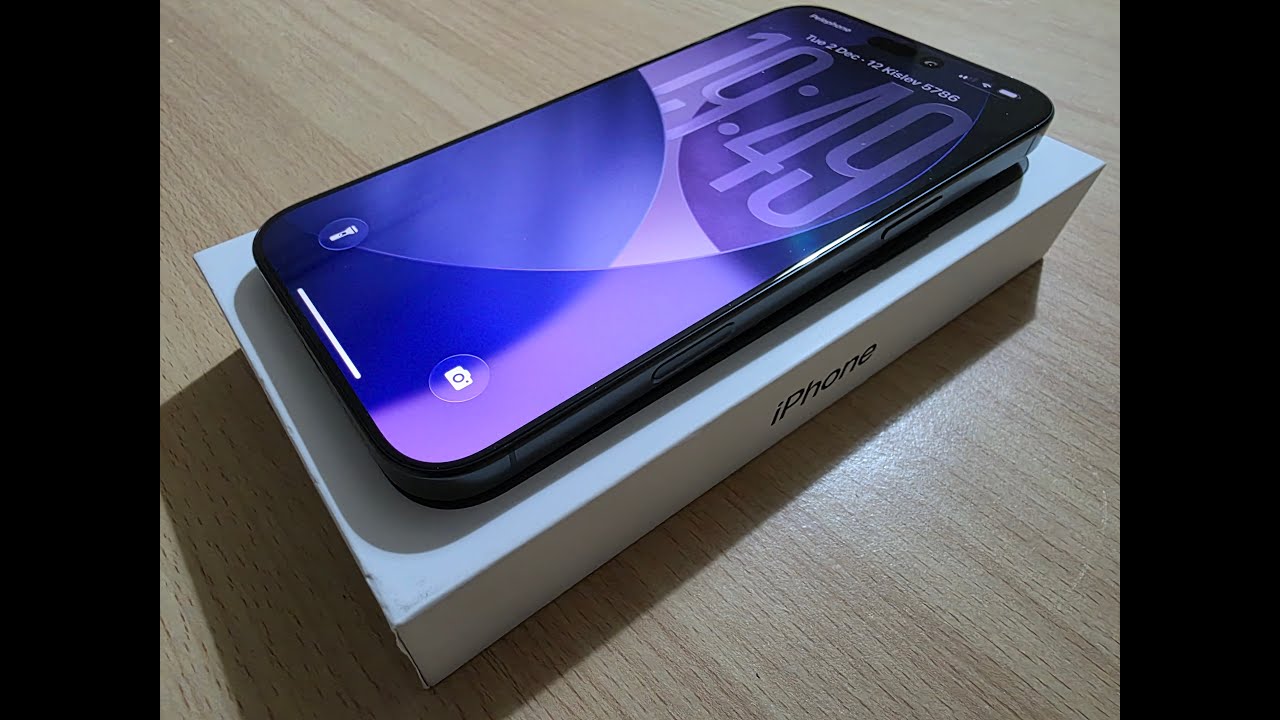
iPhone Security Features You Should Enable Now!
Sponsored: Use code DH2300OFF to get 20% off for NAS DH2300 until 11/9
• UGREEN NAS on Official Store (up to 20% off): https://nas.us.ugreen.com/5PYKrH
• UGREEN NAS DH2300 (20% off): https://amzn.to/47oA8ph
• UGREEN NAS Series (up to 20% off): https://amzn.to/4o5NttN
#iPhone #iOS #UGREENNAS #UGREEN
There are a ton of iPhone settings and features you might not be aware of but should be. So in this video I go over around 10 different iPhone / iOS security features and settings you should probably consider changing or enabling.
Time Stamps:
0:00 – Intro
0:12 – Accessory Trust
1:19 – Send Last Location
2:16 – A very excellent thing
3:50 – Lock Screen Access To Disable
5:44 – Stolen Device Protection: “Always” Delay
8:19 – Tip For Lost Mode
9:36 – Alphanumeric Passcode
10:32 – Auto-Lock Display Time
11:43 – Lockdown Mode (Or Not)
12:10 – Understanding “Require Attention For Face ID”
12:56 – Maybe: Advanced Data Protection
15:09 – Require Face ID For Any App