
Must-Know Apple Pencil & Gesture Tips for Photoshop on iPad (Work 2× Faster!)
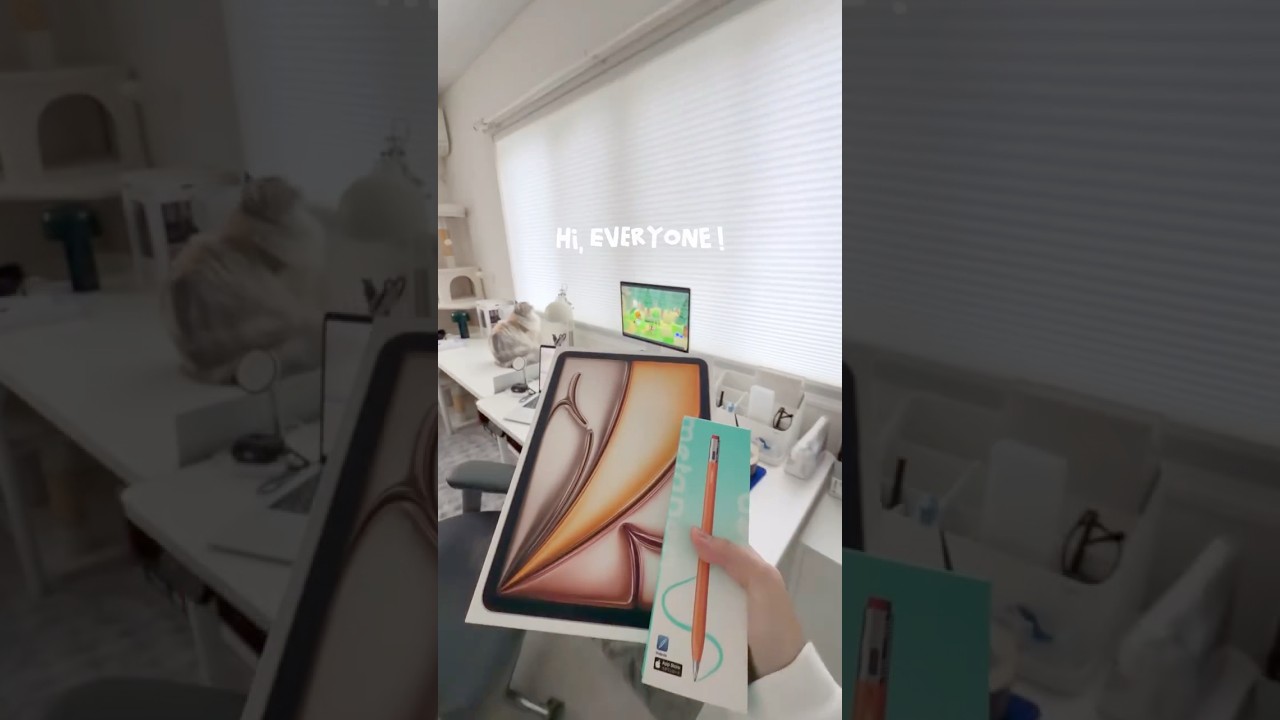
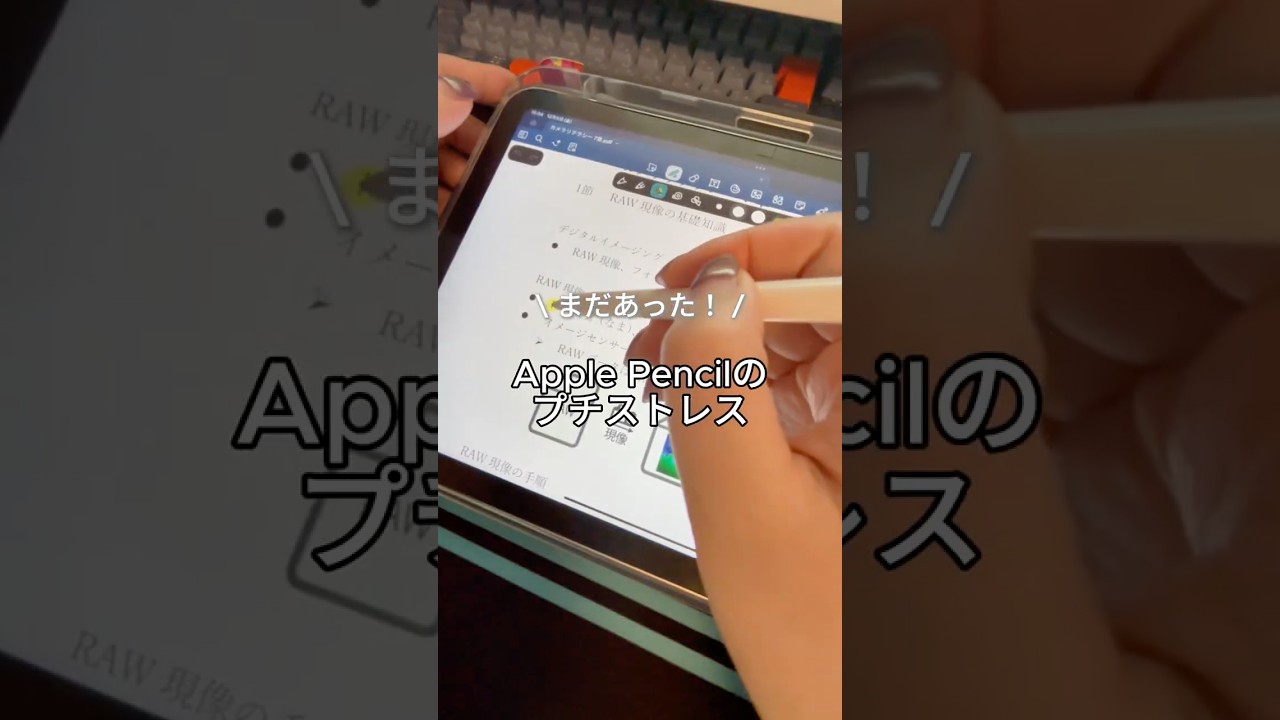
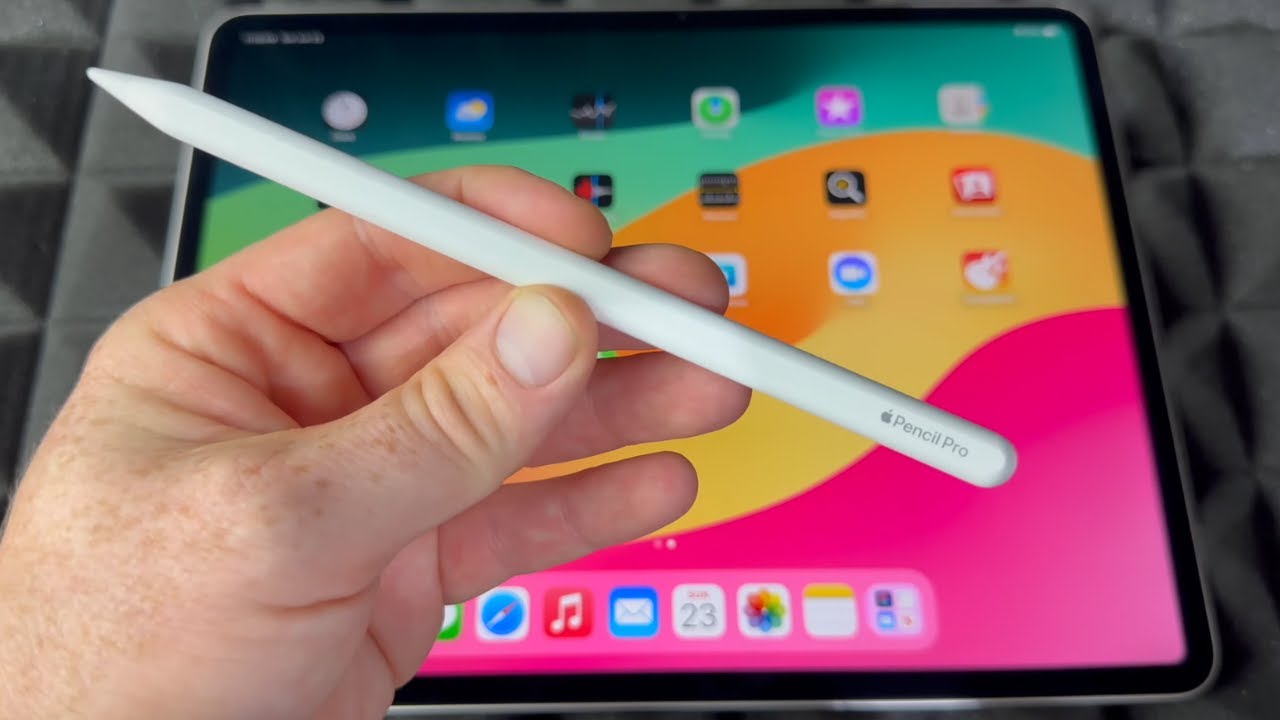
Want to speed up your workflow by 2x? These Apple Pencil tips and iPad gestures will help you navigate, edit, paint, erase, and transform objects much faster. Learn essential shortcuts like the two-finger undo, pinch gestures, touch modifiers, quick tool switching, and pressure-based controls.
🎨 Welcome to The Ultimate Photoshop on iPad Guide (2025 Edition)!
This video is part of a complete beginner-friendly series designed to help you learn Photoshop on iPad step-by-step. Every lesson breaks down essential tools, workflows, and shortcuts so you can create and edit confidently—no prior experience needed.
📚 ABOUT THIS SERIES
This course is divided into simple, easy-to-follow modules:
📦 Module 1: Getting Started
• What Photoshop on iPad Can & Can’t Do
• Installation & Setup
• Workspace & Interface Tour
• Apple Pencil & Gesture Tips
✏️ Module 2: Core Tools & Concepts
• Layers Explained
• Selection Tools & Masks
• Transform, Scale & Warp
• Brush Basics
• Color & Lighting Adjustments
More modules coming soon!
📥 RESOURCES
Full playlist: https://youtube.com/playlist?list=PLgwG90Gpbr-tyyHNTaJWy6BZLHKfUgPg2&si=LWDQbrQWfPXvX3od
💡 WHO THIS TUTORIAL IS FOR
✔ Absolute beginners
✔ Hobby creators, students, artists
✔ Designers switching from desktop Photoshop
✔ Anyone who wants to edit on the go
✔ Anyone learning Photoshop from scratch
🛠️ Tools I Used in This Video
iPad Pro → https://amzn.to/3UR8Diq
Apple Pencil (2nd Gen) → https://amzn.to/4g1puZu
Paperlike Screen Protector → https://amzn.to/3JAd4M6
External SSD (Samsung T7) → https://amzn.to/4mD1Y7u
💺 My Workspace Setup
Ergonomic Chair → https://amzn.to/41prZim
Adjustable Desk → https://amzn.to/4g4hdnO
Ring Light → https://amzn.to/3JAfSc6
Hollyland Lark M2 Mic → https://amzn.to/3HUBdwb
Logitech StreamCam → https://amzn.to/3UQ3pmV
📚 Interior Design Must-Haves
The Interior Design Handbook → https://amzn.to/3HBaYLo
Sketching for Interior Designers → https://amzn.to/41sffra
Pantone Color Guide → https://amzn.to/4mCGuaV
✨ Support the Channel
Some of the links above are affiliate links. That means if you purchase through them, I may earn a small commission — at no extra cost to you. Thank you for supporting the channel and helping me create more free tutorials 💖
🎵 Credits & Licenses
This video contains music, and other creative assets licensed under my Envato Elements subscription.
All items have been used in accordance with Envato’s license terms.