




Amazingly Useful Apple Pencil Tips and Tricks
Want to get more out of your iPad? In this video, I’m sharing some of the most useful Apple Pencil Tips and Tricks that can actually make your workflow faster, smoother, and way more fun ✍️📱
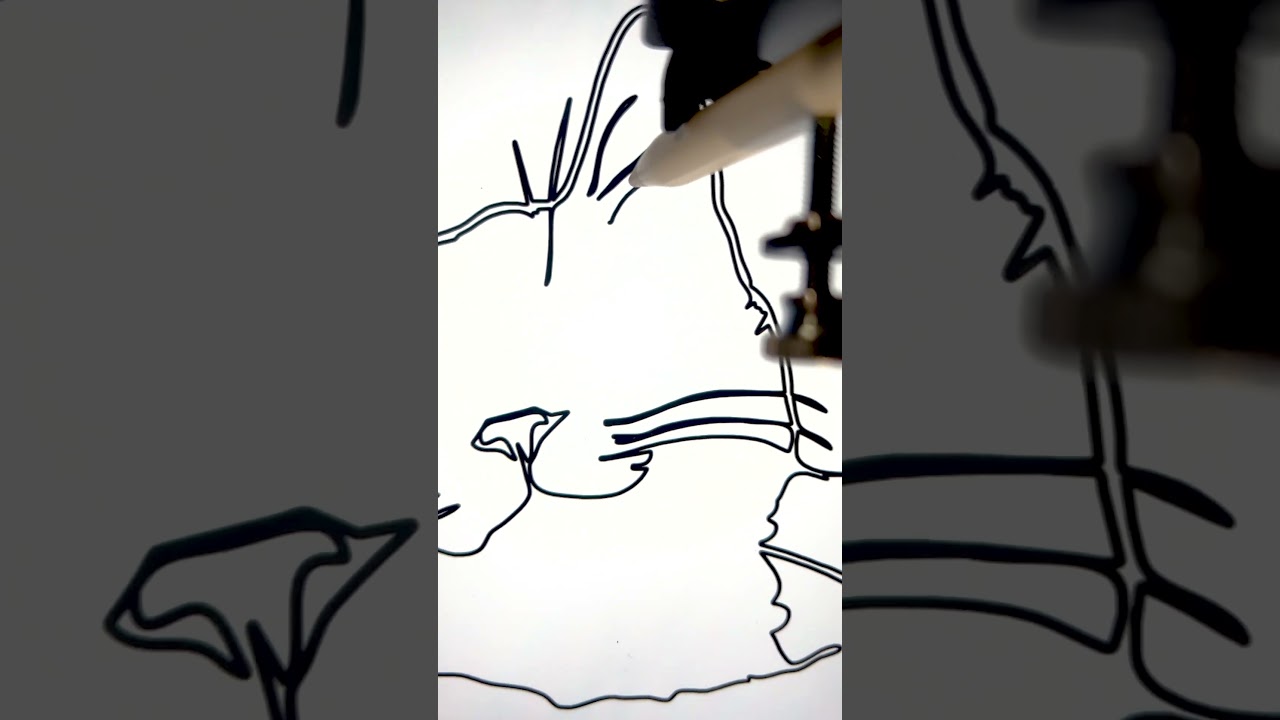
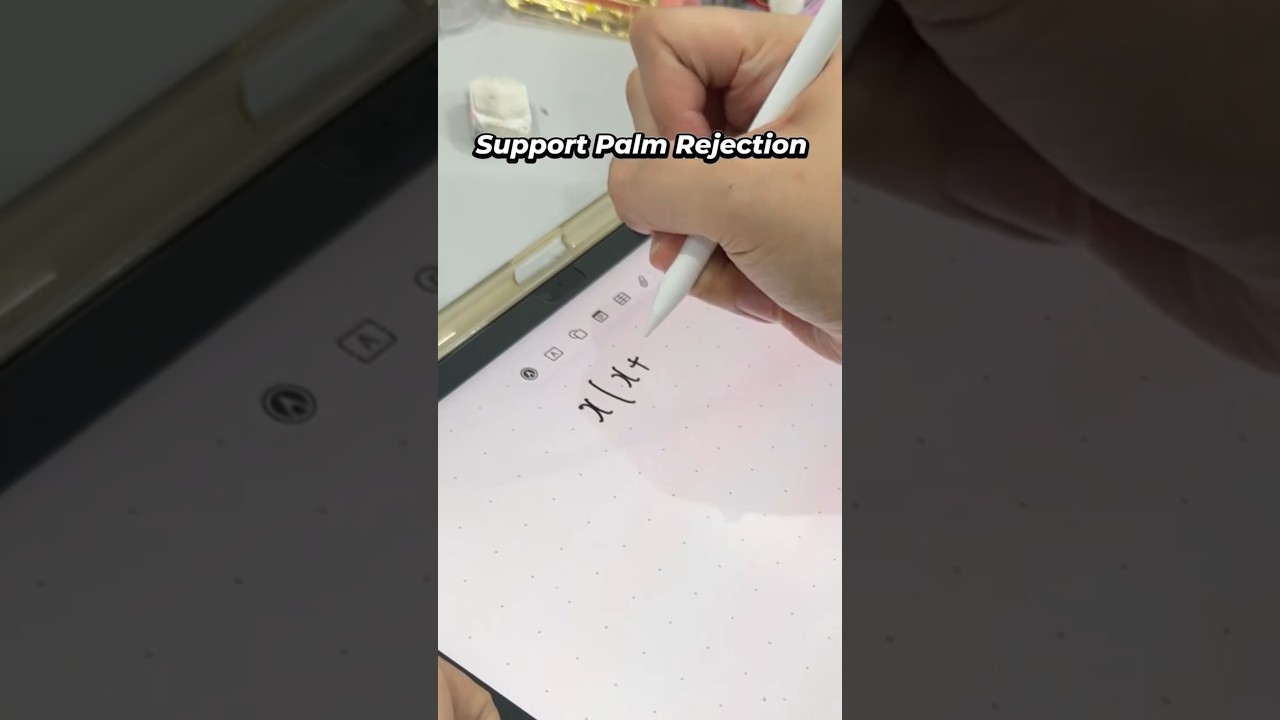
We’re talking about practical Apple Pencil Tips and Tricks for notes, screenshots, handwriting, text editing, quick actions, and more — not just random features you’ll forget in five minutes. If you use an iPad for work, school, planning, or everyday tasks, there’s a lot here you can start using right away.
Apple Pencil Tips and Tricks can completely change how the iPad feels in daily use, and some of these features are seriously underrated 👀
If you enjoy videos like this, don’t forget to like, subscribe, and share your favorite Apple Pencil feature in the comments 🙌🔥
🌐 Find Me Here
@the_macminion
https://x.com/mac_minion
https://www.facebook.com/profile.php?id=61580589020664
https://www.instagram.com/themacminion/
📽️ Chapters
00:00 – BEGIN
00:36 – Scribble Replaces Typing
01:46 – Quick Note in One Tap
02:16 – Markup Gets Serious
03:07 – Email Sketches Say More
03:36 – Handwriting Becomes Text
04:16 – Universal Clipboard Feels Magic
04:46 – Shapes and Ruler Fix Everything
05:47 – Hover Feels Unreal
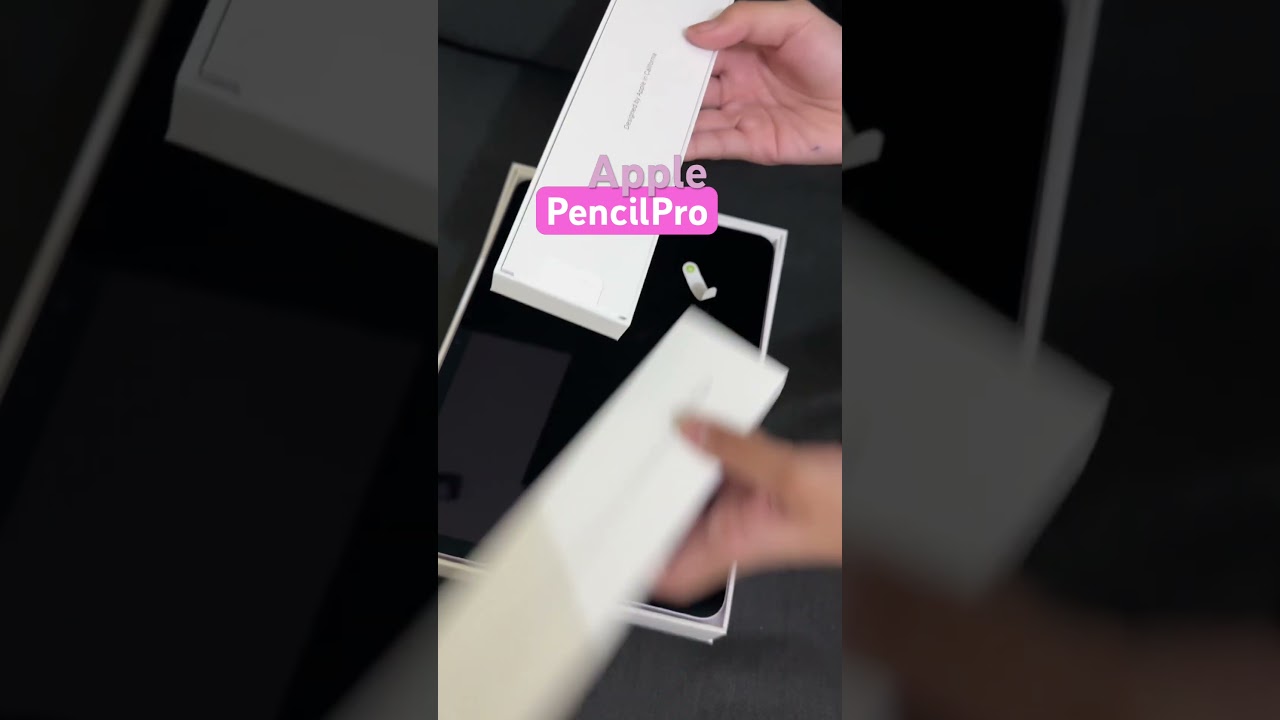
06:49 – Apple Pencil Pro Gets Faster
07:31 – Is It Worth It?
#applepencil #applepencilpro #applepencil2