
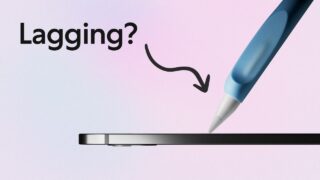
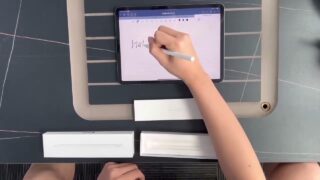

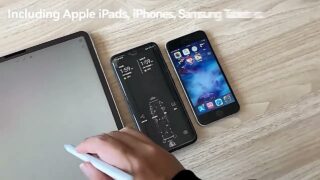
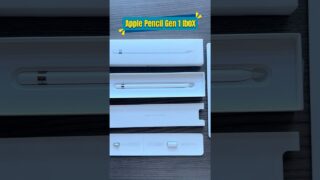

Why is your Apple Pencil Lagging? (5 Fixes to Restore Apple Pencil Performance)
Apple Pencil lag is the worst—lines trailing behind your tip, strokes skipping, and that “why is my iPad doing this?” moment.
➡️ Read the full blog: https://paperlike.com/blogs/paperlikers-insights/apple-pencil-lag-fix
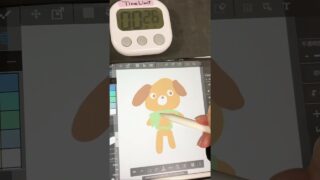
In this video, I’ll show you 5 quick fixes to restore smooth, responsive Apple Pencil performance, whether you’re writing in Goodnotes, drawing in Procreate, or taking notes in Notability.
We’ll cover:
Intro – 0:00
A 30-second fix – 0:23
iPadOS Accesibility settings – 1:20
Time to replace your Apple Pencil tip – 2:04
The “glass-glide" illusion – 2:44
App-specific tweaks for Procreate / Goodnotes / Notability – 3:46
Final thoughts – 5:27
➡️ Replace your Pencil Tips: https://paperlike.com/products/pencil-tips
➡️ Grab your Paperlike 3: https://paperlike.com/products/paperlike-for-ipad
#ApplePencil #iPad #Procreate #Goodnotes #Notability #Paperlike