







iPad and iPad Pro — How to sketch in Notes with Apple Pencil 2018 remastered 4K
iPad and iPad Pro — How to sketch in Notes with Apple Pencil 2018 remastered 4K
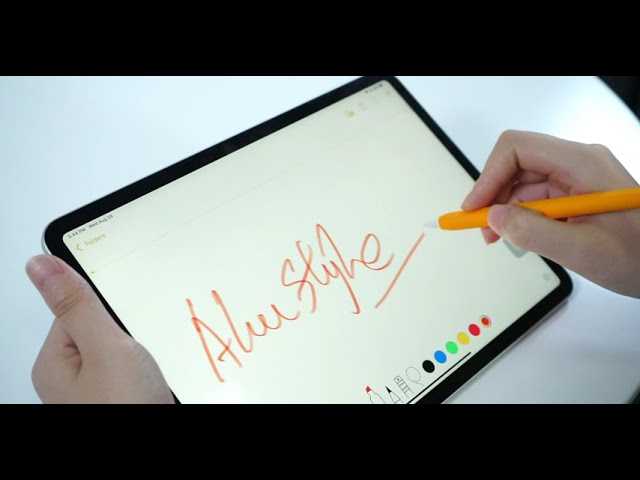
Learn how to use iPad sketching features to draw directly in the Notes app. Master your Apple Pencil for quick digital art.
This tutorial guides you through the basics of using the Notes app for creative work. If you have an iPad and an Apple Pencil, you already have a powerful canvas at your fingertips. I demonstrate how to open the app, begin your first drawing, and effectively adjust the drawing area to fit your needs.
Beyond basic sketching, this video explains how to utilize the Notes app drawing tools for better organization. You will also see how the system handles handwriting recognition, ensuring your handwritten notes are searchable later. This is a practical guide for anyone looking to bridge the gap between traditional note-taking and digital creativity.
Subscribe for weekly iPad productivity breakdowns, and comment below if you want to see more advanced Apple Pencil workflows.