


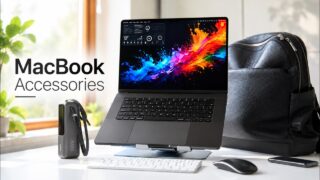




how to customise MacBook Neo? ♡ simple tutorial + unboxing new accessories ✧˖°
email: cloudyyvlogz@gmail.com ✧˖°.
Today I’m sharing a simple, step-by-step tutorial to customize your MacBook — and the best part? Everything is 100% free! ♡
🌷 Simple tutorial:
1: create a wallpaper using canva
2: customise color theme for the laptop
3: update your wallpaper
4: change your folder icon
5: color your mouse cursor
6: customise control centre
🩰 Apps used:
1. Pinterest
2. Canva
🧸 Feel free to leave down any comment if you have any questions, I will response to them.