



Why the iPad is the best note-taking tablet
The iPad is the best note-taking tablet you can buy right now, and after 10 years of taking handwritten digital notes, here’s why I keep coming back to it.
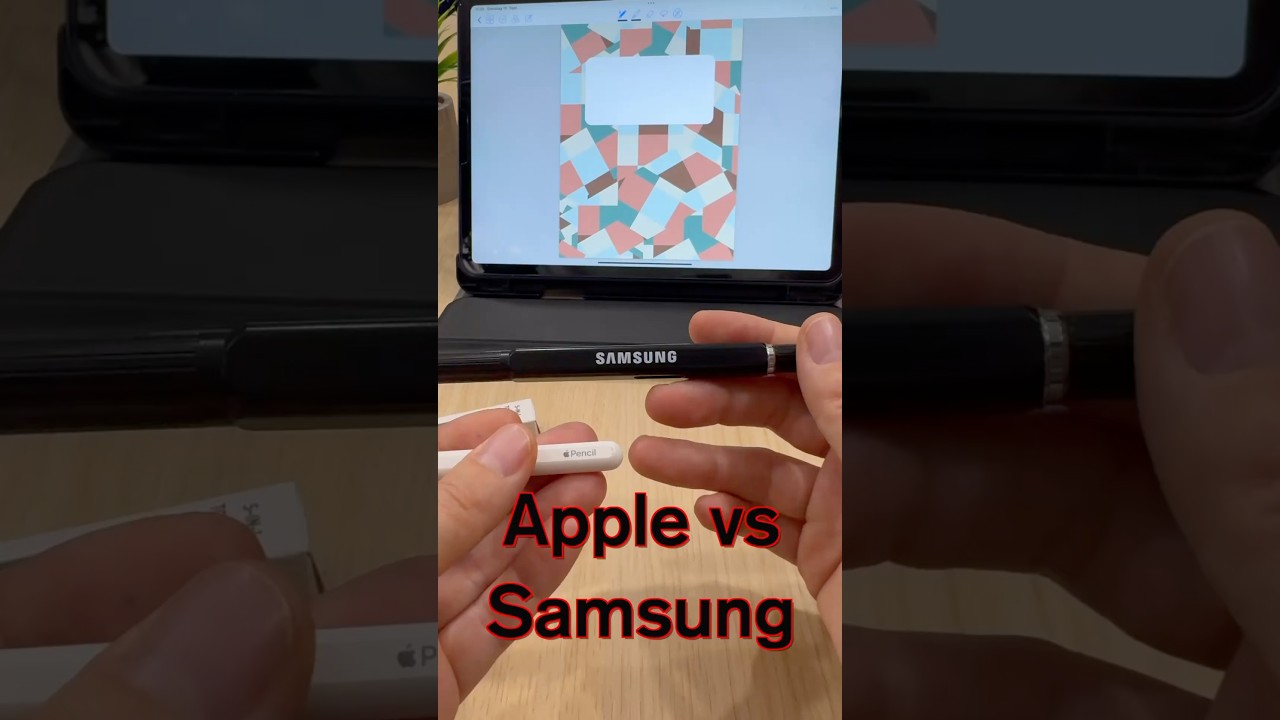
E-ink devices like the reMarkable are excellent, and Android tablets like the Samsung Galaxy Tab have real strengths. I use and like both. But the iPad offers something they don’t: a holistic system where your handwritten notes connect to your calendar, your email, your files, and the rest of your work. The notes don’t stay trapped on the device. That integration is what turns note-taking into an actual productivity system instead of a digital legal pad.
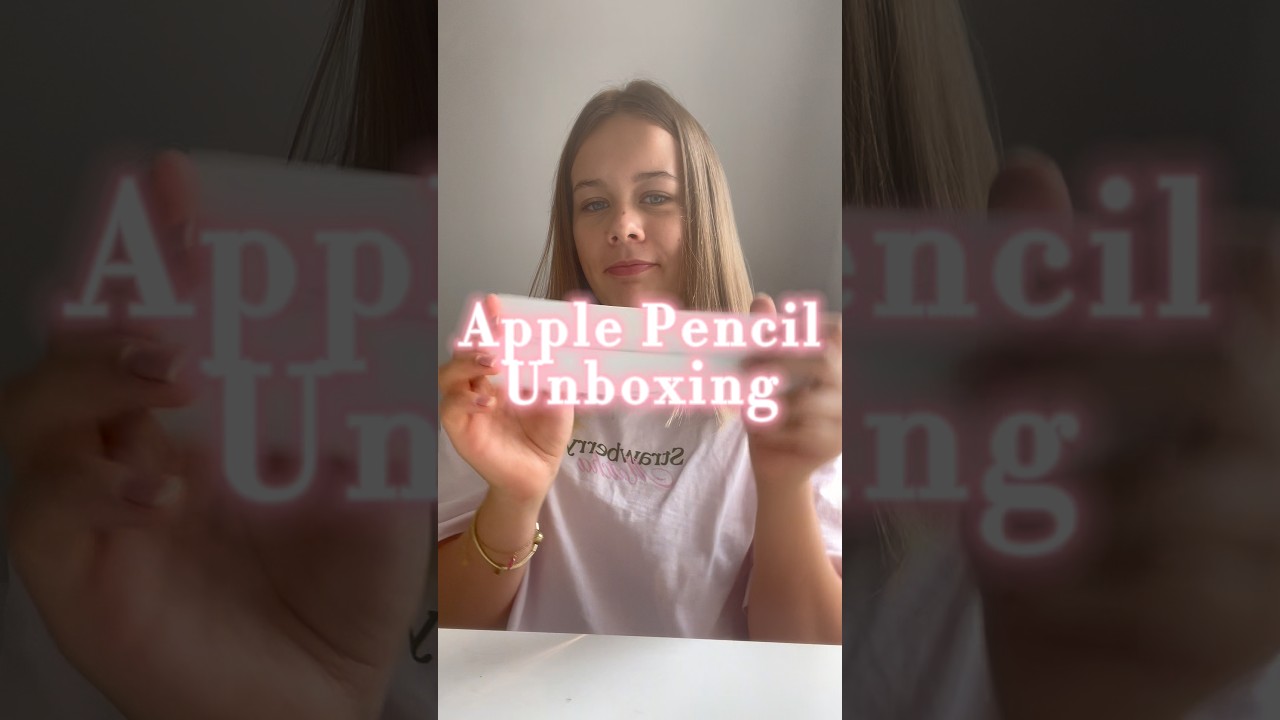
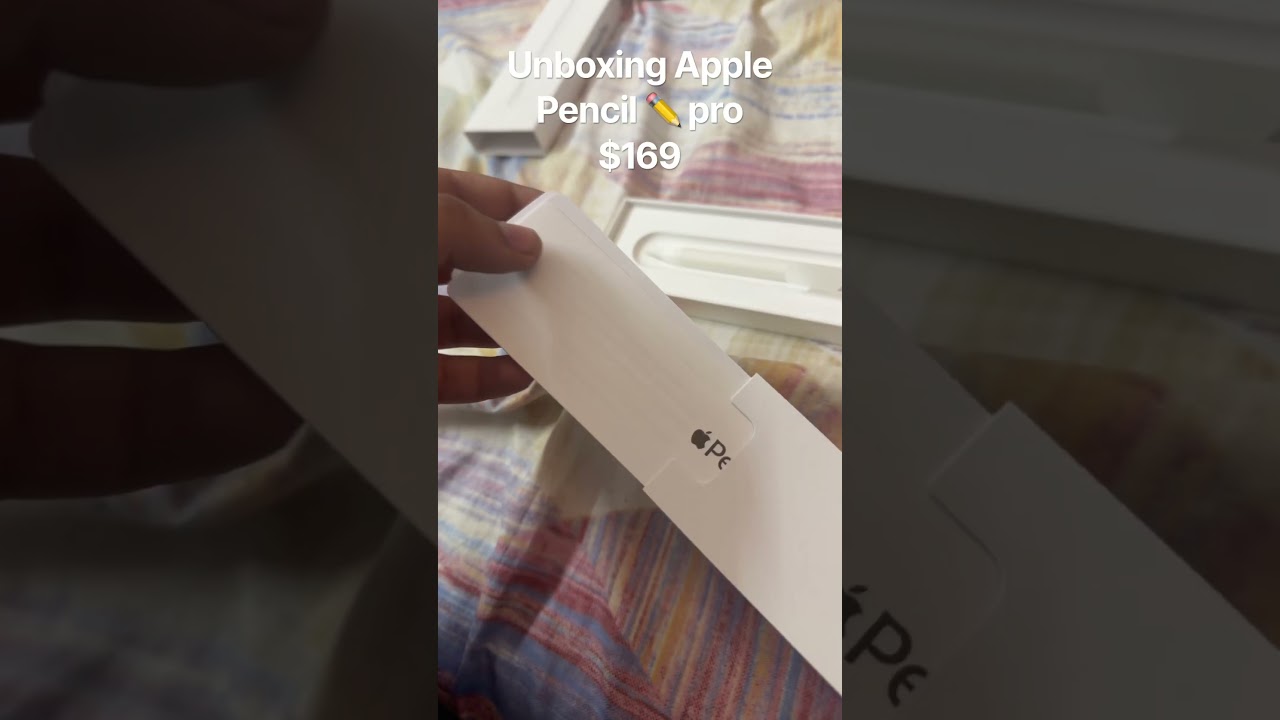
Getting started is simpler than most people think. You need three things: an iPad, an Apple Pencil, and a note-taking app like GoodNotes or Notability. Add a hyperlinked digital planner and you have a full system for capturing notes, planning your week, and tracking what matters.
I’m Branden Bodendorfer, founder of the Key2Success Planner, a digital notebook built to help you focus on the work that moves you toward the success you’re after.
🔗 Key2Success Planner for iPad: https://key2successplanner.com
🔔 Subscribe for iPad, reMarkable, and OneNote planning tips: https://www.youtube.com/c/BrandenBodendorfer
📧 Questions about getting started: support@brandenbodendorfer.com
━━━━━━━━━━━━━━━━━━━━━━━━━━━━
FREQUENTLY ASKED QUESTIONS
━━━━━━━━━━━━━━━━━━━━━━━━━━━━
Is the iPad better than the reMarkable for taking notes?
It depends on what you want. The reMarkable is better for distraction-free writing on e-ink with no notifications and multi-week battery life. The iPad is better if you want your notes connected to your calendar, email, and files, and if you want color, apps, and a single device that does more than write.
What do I need to start taking handwritten notes on an iPad?
An iPad, an Apple Pencil, and a note-taking app such as GoodNotes or Notability. Apple Pencil compatibility varies by iPad model, so check Apple’s compatibility page before buying a stylus. A hyperlinked planner like the Key2Success Planner gives you structure once the basics are set up.
Do I need an iPad Pro for note-taking?
No. Handwriting is not demanding on the processor, so the base iPad or iPad Air handles note-taking well. Spend the money on the Apple Pencil and a good app before upgrading the tablet itself.
Does the Key2Success Planner work on iPad?
Yes. The Key2Success Planner is a hyperlinked digital planner that runs in GoodNotes, Notability, and other iPad note-taking apps. You navigate between daily, weekly, and project pages using built-in links and write directly on the pages with your Apple Pencil.
#iPadNoteTaking #DigitalPlanner #ApplePencil #GoodNotes #Key2Success