




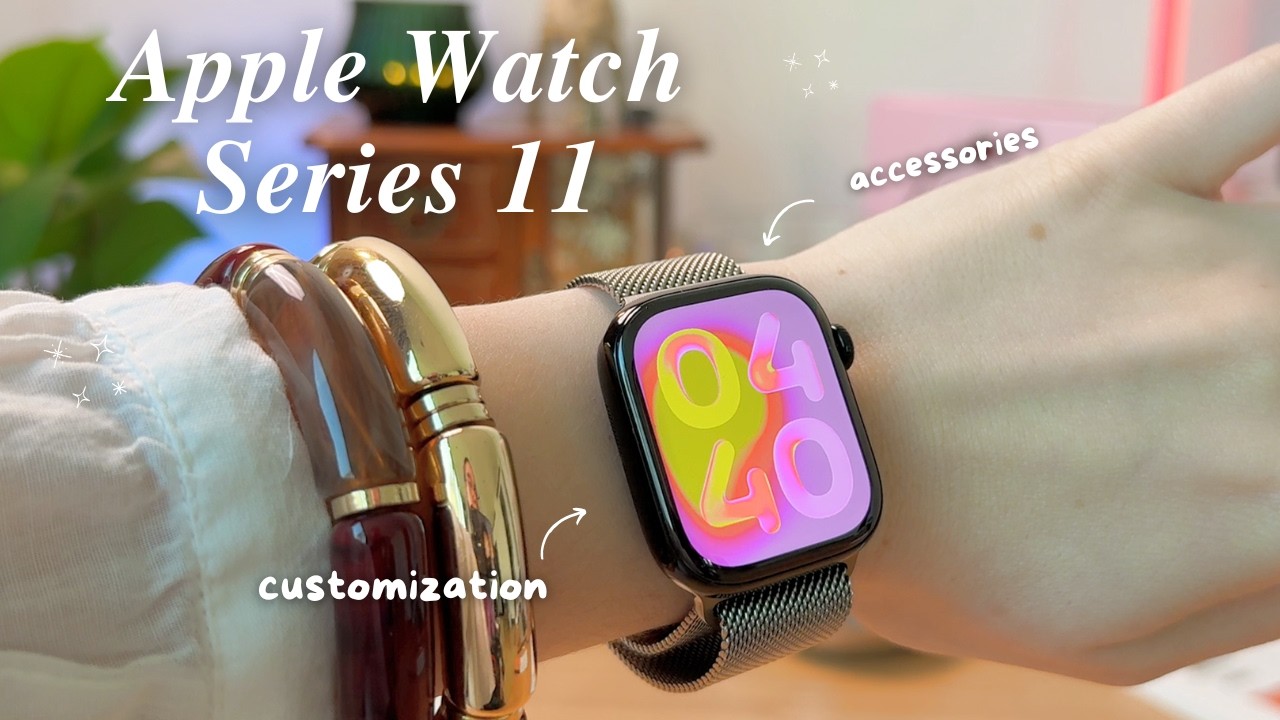



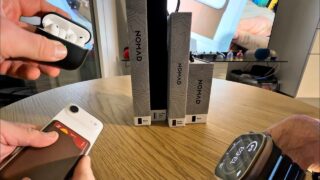


Apple Never Tells You About These Apple Watch Features
Apple doesn’t talk about these Apple Watch features. Here are the less-known tips and settings that improve the overall Apple Watch experience.
Instagram: @eddien7
X: @HOTSHOTN7
Twitch: @hotshot2ss
🔥 Exclusive Viewer Promotions and Discount Codes! 🔥
Try Audible and Get TWO FREE Audiobooks!: https://amzn.to/2QjQJCM
Try Amazon Prime 30-Day FREE TRIAL: https://amzn.to/2Qq2k3i
Amazon FreeTime Unlimited FREE Trial: https://amzn.to/2W1fsBI
🎥 Equipment Used in This Video:
Chair by Secretlab: https://bit.ly/2SEFhSa
Microphone: DJI Mic – https://amzn.to/3RQYoqA
Camera: Sony Alpha A6600 – https://amzn.to/3d0uKQU
Disclaimer: Our links may be affiliated with Amazon and other stores. To find out more, click here: http://bit.ly/2DiiOVI
⌚ Apple Watch Tips & Tricks – Chapters
00:00 Introduction
00:29 Swipe to Switch Watch Faces
01:03 Double Tap & Wrist Flip Gestures
02:29 Edit Timers with Siri
03:01 New Sleep Score Notifications (iOS 26.2)
04:01 Smart Stack Music ID (Shazam)
05:01 Play Music from Watch Speaker
05:23 Control Center Tips (Satellite & Focus)
06:41 Reduce Interruptions (Apple Intelligence)
06:56 Find My iPhone & Flashlight Trick
07:53 Theater Mode & Red Flashlight
08:42 Apple Watch Camera Remote
09:57 Workout Buddy Controls
10:36 Tap to Cash (Apple Pay)
11:28 Customize & Share Watch Faces
12:17 Compass Backtrack (GPS Safety)
13:22 Speak Time & Feel Time
14:52 Return to Clock Setting
16:24 Water Lock Trick
17:08 CarPlay Maps Alerts (Turn Off)
18:03 Final Tips & Wrap Up