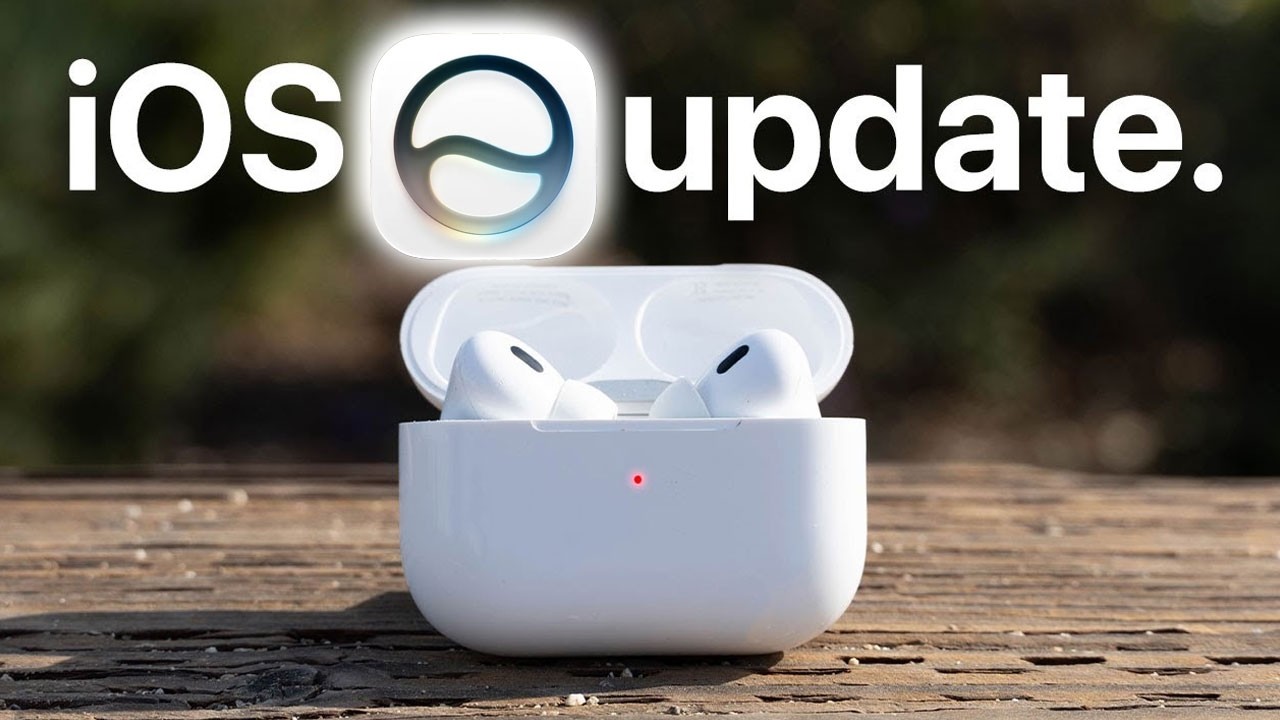
Your AirPods Can Do MUCH MORE Than You Think!
AirPods Pro have way more hidden features than most people realize. In this video, I’ll show you the best AirPods tips and tricks, including the new EQ settings, beta update setup, hearing protection, live translation, heart rate tracking, camera controls, spatial audio, Find My features, and settings you should change right away to get the most out of your AirPods.
0:00 Intro — AirPods Keep Getting New Features
0:31 Don’t Throw Away This AirPods Box Item
0:47 New AirPods EQ Feature Explained
1:10 How to Enable AirPods Beta Updates
1:59 How to Use the New AirPods Equalizer
2:42 EQ Workaround Without Installing iOS Beta
3:16 How to Pair or Reset AirPods Without a Back Button
4:19 AirPods Heart Rate Tracking for Workouts
5:08 Use AirPods for Workouts Without Apple Watch
5:25 Quick Like Button Message
5:56 Rename Your AirPods to Avoid Confusion
6:18 AirPods Noise Control Modes Explained
6:42 Turn On Hearing Protection
7:14 Use AirPods as Hearing Aids
8:06 Customize AirPods Stem Controls
8:49 Change Call Controls
9:03 Use AirPods as a Camera Shutter Remote
9:22 Personalized Audio Explained
9:44 Conversation Awareness Settings
10:13 Hidden Apple Music EQ Setting
10:49 Share One Earbud Without Auto-Pause
11:20 Use Audio Sharing with Two AirPods
11:44 Spatial Audio Settings You Should Try
12:24 AirPods Live Translation Explained
13:36 Choose Left or Right AirPods Microphone
13:52 Pause Media When You Fall Asleep
14:15 Keep Calls on AirPods Instead of Car Bluetooth
14:39 Stop Workout Buddy Using AirPods Controls
15:02 Head Gestures Settings
15:25 Turn Off AirPods Case Charging Sounds
15:39 Find Lost AirPods with Find My
16:00 Check Warranty and Add AppleCare
16:16 Hidden Microphone Menu for Calls
16:54 Use the AirPods Case as an iPhone Stand
17:19 Final Thoughts