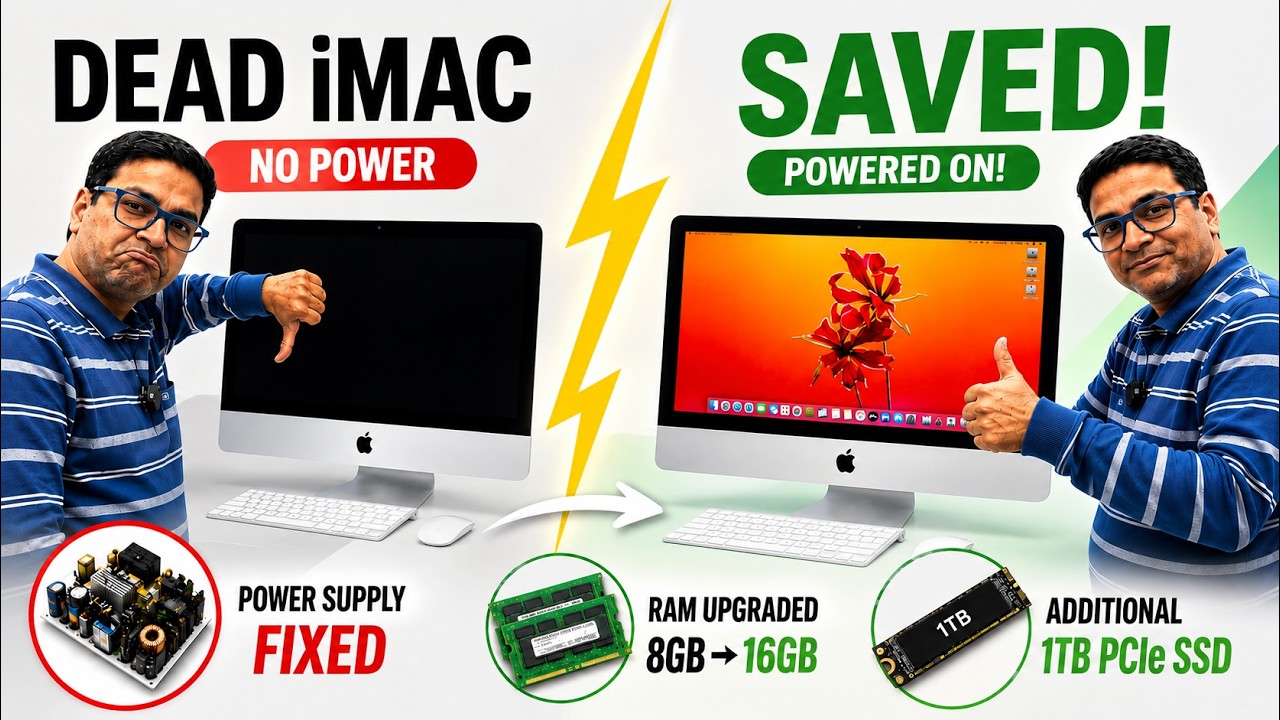
iMac No Power Repair | Complete Diagnosis + SSD & RAM Upgrade
A customer’s Apple iMac arrived completely dead with no power.
In this video, I take you through the complete repair process—from the initial diagnosis to troubleshooting, repair, hardware upgrades, and the final successful power-on.
Instead of replacing expensive parts, I diagnose the root cause, repair the fault, and restore the iMac to full working condition.
If you’re interested in Apple repairs, electronics troubleshooting, or professional board-level repair techniques, this video is for you.
📌 In this video you’ll see:
✅ Complete no power diagnosis
✅ Component-level repair
✅ Hardware upgrades for better performance
✅ Reassembly and testing
✅ Final successful boot
Whether you’re a repair technician, student, or Apple enthusiast, I hope this video helps you learn something new.
👍 If you enjoyed this video:
• Like 👍
• Subscribe 🔔 for more Apple repair videos
• Share this video with friends
• Comment your questions or repair suggestions below
Thanks for watching and supporting the channel!
Contact Us:
Email: articwoodtech@gmail.com
For any queries message on WhatsApp: +91-9967225338 (No Calling)
Regards,
Articwood Technologies.