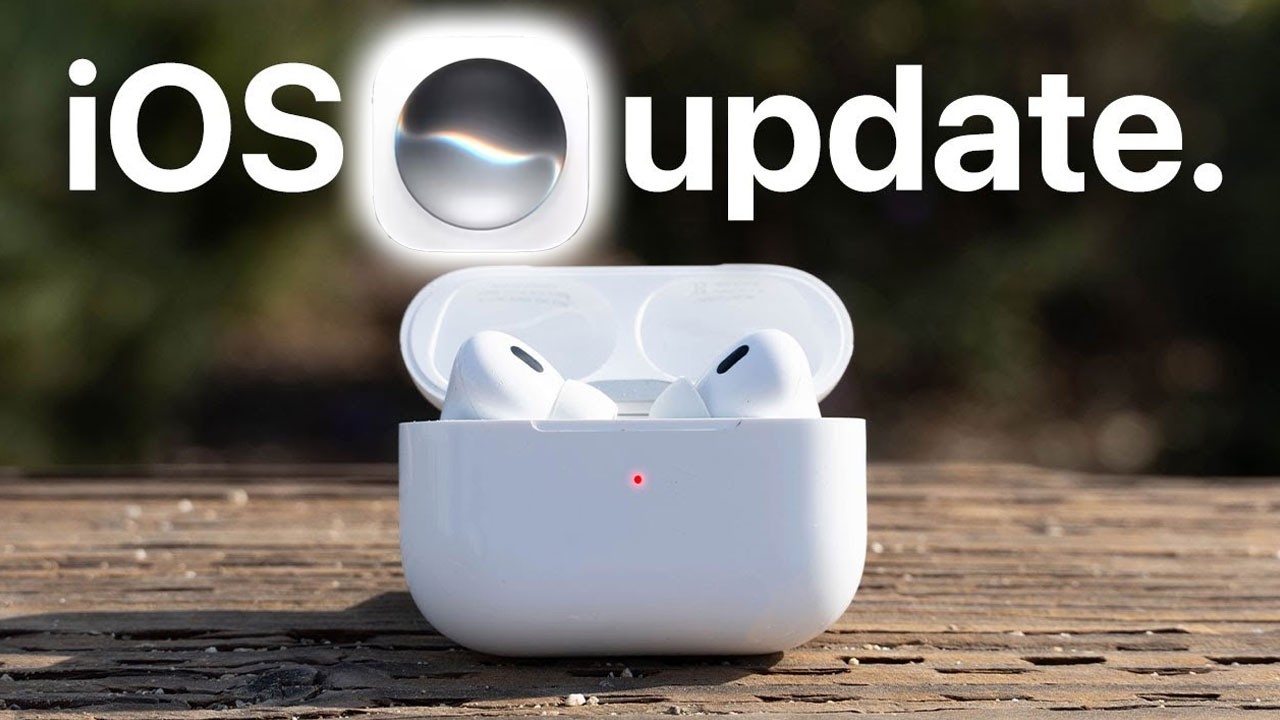
iOS 27 Completely Changes How You Use AirPods
iOS 27 brings several major new features to AirPods, including a built-in equalizer, improved Adaptive Audio controls, smarter Siri interactions, new fitness features, and better Find My support.
In this video, I cover the biggest AirPods changes in iOS 27, including the new AirPods settings layout, EQ controls, head gestures, camera remote functionality, GymKit support, AirPods heart rate tracking, Apple Watch Find My improvements, precision tracking, and the latest Siri AI features.
Chapters
0:00 – iOS 27 AirPods New Features
0:16 – Compatible AirPods Models
1:13 – New AirPods Settings Layout
1:38 – Adaptive Audio Slider
2:35 – New AirPods Equalizer
2:59 – Best EQ Settings for Music
3:31 – Head Gesture Controls
3:48 – Test Head Gestures
4:04 – Use AirPods as a Camera Remote
5:04 – GymKit Support Without Apple Watch
5:21 – AirPods Heart Rate Tracking
6:03 – Fitness Tracking Limitations
6:27 – Apple Watch Find My Improvements
6:41 – Find AirPods From Apple Watch
7:04 – Precision AirPods Tracking
7:22 – New Siri AI With AirPods
7:30 – Resume Siri Conversations
7:46 – Smarter Siri Message Clarification
8:18 – Which AirPods Get the New Features?
8:41 – Final Thoughts
📲 Follow Me for Behind the Scenes on Social Media:
Instagram: @eddien7
X: @HOTSHOTN7
Twitch: @hotshot2ss
🔥 Exclusive Viewer Promotions and Discount Codes! 🔥
Try Audible and Get TWO FREE Audiobooks!: https://amzn.to/2QjQJCM
Try Amazon Prime 30-Day FREE TRIAL: https://amzn.to/2Qq2k3i
Amazon FreeTime Unlimited FREE Trial: https://amzn.to/2W1fsBI
🎥 Equipment Used in This Video:
Chair by Secretlab: https://bit.ly/2SEFhSa
Microphone: DJI Mic – https://amzn.to/3RQYoqA
Camera: Sony Alpha A6600 – https://amzn.to/3d0uKQU
Disclaimer: Our links may be affiliated with Amazon and other stores. To find out more, click here: http://bit.ly/2DiiOVI