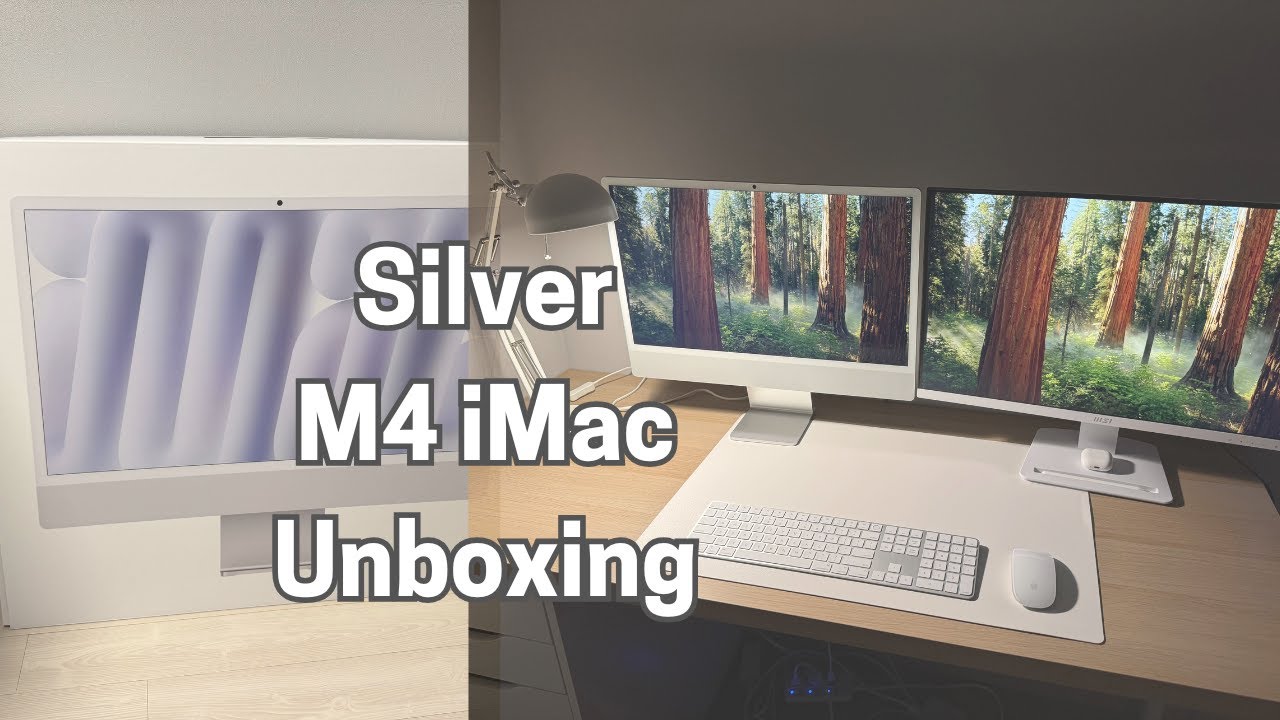
Silver M4 iMac Unboxing & First Setup | Minimal Desk Tour 💻
🔔 Don’t forget to turn on CC/subtitles!
2024 M4 iMac Unboxing & Setup | Silver iMac Desk Aesthetic 🖥️✨
In this video, I unbox and set up my brand new Silver 2024 M4 iMac! From peeling off the protective layers to connecting accessories and completing the initial macOS setup, I walk you through the entire process with simple, relaxing visuals.
🖥️ Whether you’re a fellow Apple fan or just love minimal desk setups, I hope this video brings some clean desk vibes and inspiration to your day!
🛠️ What I Did in This Video:
✔️ Unboxing the 2024 Silver M4 iMac
✔️ Unboxing accessories: Magic Keyboard with Numeric Keypad, Magic Mouse, power adapter, USB-C cable
✔️ Peeling off the protective covers ✨
✔️ Connecting the power cable (magnetic!)
✔️ First boot: the Apple logo appears 🍎
✔️ Setting up macOS
✔️ Connecting a second monitor via HDMI (MSI PRO MP273AW)
✔️ Final desk setup & screensaver preview 🛋️
🎬 Fun Fact: The iMac came beautifully packaged, but I didn’t expect the screen to reflect so blue—it made everything look yellow in my camera 😅 Still, I love the finish and setup!
🔔 If you enjoyed the unboxing, don’t forget to Like & Subscribe! It helps a lot and keeps me motivated ❤️
📌 Hashtags:
#iMacM4 #iMac2024 #iMacUnboxing #AppleDeskSetup #MinimalDesk #CleanDeskVibes #MacSetup
⸻
⏰ Chapters:
00:09 – Intro
00:16 – Outer Package
00:24 – Inner Reveal
01:01 – Main Unit & Accessories
01:43 – Removing the Cover
02:05 – Power Up
02:49 – Connecting Peripherals
03:11 – Setup Basics
03:46 – Monitor Connection
04:04 – Final Touches & Subscribe