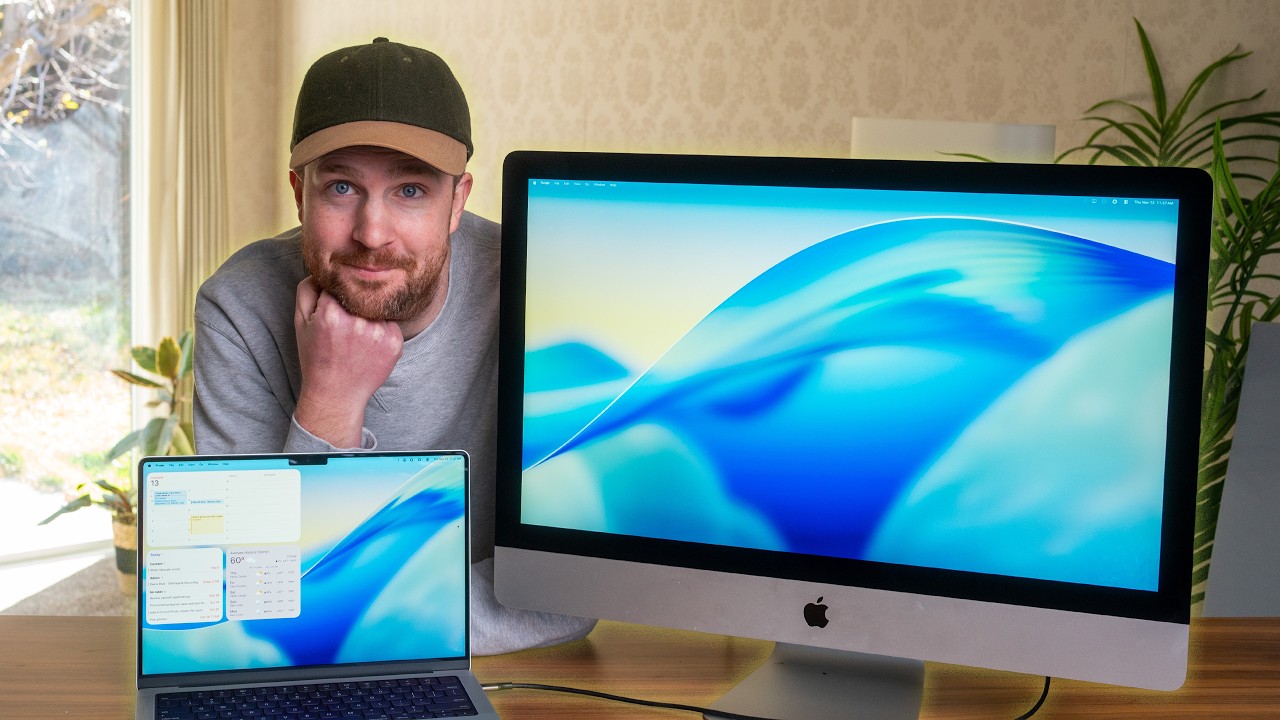
I Turned a $200 iMac Into a $1,600 Studio Display!
Worthless iMacs have priceless displays—let’s gut one and give it new life!
🚨 Bambu Lab printers, filament, and more now up to 47% off for Black Friday!! https://snazzy.fm/vc
📖 Follow my build guide for the best instructions online! https://snazzy.fm/Mo
Follow Snazzy Labs on Twitter – https://twitter.com/snazzylabs
Follow me on Bluesky – https://snazzy.fm/UW
Follow me on Threads – https://snazzy.fm/XV
Follow me on Mastodon – https://snazzy.fm/NN
Follow me on Instagram – https://instagram.com/snazzyq
Let’s convert a 2014-2020 5K iMac into an external monitor using aftermarket Chinese display controller boards like the MediaTek SA1 which offers a compelling Studio Display alternative at one-third the cost. The process involves gutting the iMac’s internal components while preserving the 5120×2880 DCI-P3 panel, installing a driver board with DisplayPort 1.4 and USB-C connectivity, and integrating speaker crossovers and power management systems. Target Display Mode was discontinued when Apple’s 5K iMac launched due to bandwidth limitations of DisplayPort 1.2, but modern controller boards restore this functionality with full 10-bit color, 500+ nit brightness, and 90W power delivery. The 2017-2019 iMac models deliver the best price-to-performance ratio for this conversion, matching Studio Display quality for $300-500 total investment while avoiding Apple’s dated $1,600 monitor with Obama-era specs.