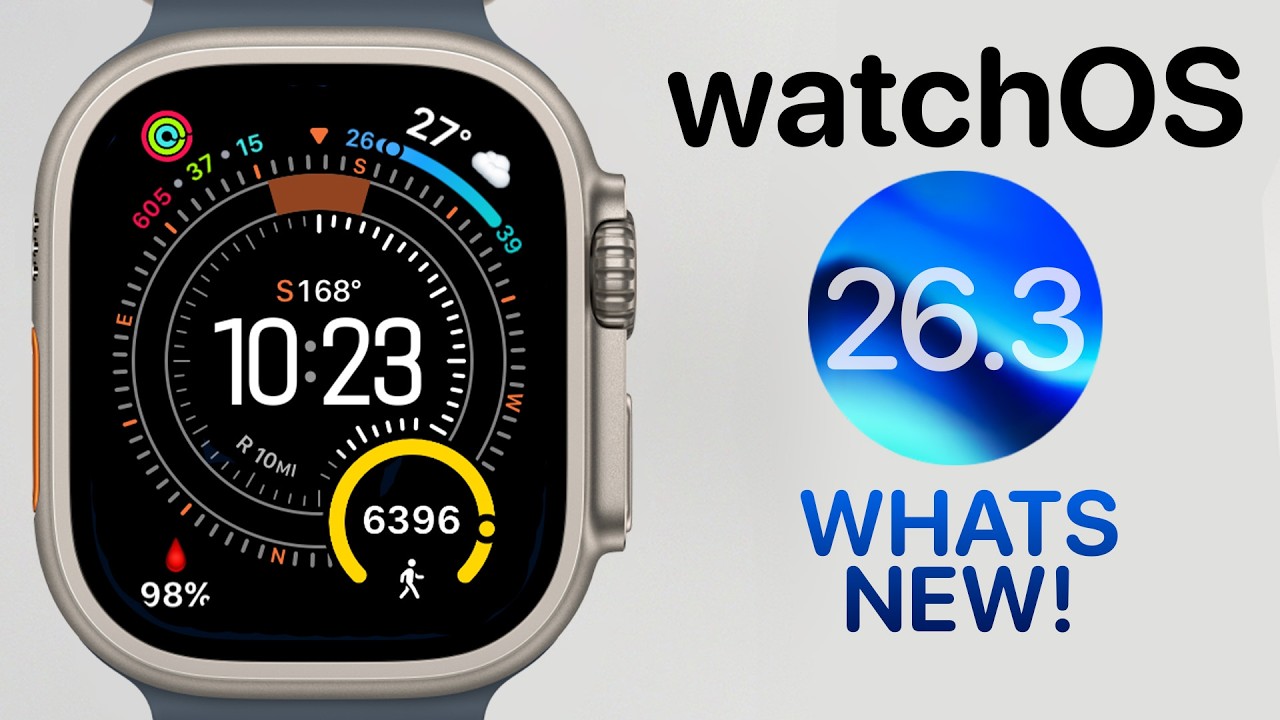
watchOS 26.3 Released – Should You Update?
⌚️ Watchband – https://collabs.shop/iuixvk
🩸 Oxygen App – https://apps.apple.com/us/app/o-buddy-blood-oxygen/id6751239297
Apple has officially released watchOS 26.3 to the public, and in this video I walk through everything you need to know. We’ll check the new build number (23S620), compare it to the release candidate, talk about update size differences, installation time, battery life performance, security expectations, and whether this is actually worth installing on your Apple Watch.
There are no new watch faces in watchOS 26.3 — including no new Unity face — but I’ll also show you a hidden watch face swipe setting that many users still don’t know about. Plus, we’ll discuss what’s coming next with watchOS 26.4 beta and whether the new Siri AI features might ever come to Apple Watch.
If you’re running watchOS 26, this is everything you need before updating.
00:00 watchOS 26.3 Released
00:03 Build Number 23S620 vs RC
00:29 How to Force the Update to Appear
00:43 Update Size Differences (Beta vs Public)
01:04 Installation & Preparation Time
01:25 What’s Actually New?
01:30 No New Watch Faces
01:57 Unity Collection (No Changes)
02:26 Swipe to Switch Watch Face Tip
03:06 Release Notes (Still Not Updated)
03:45 Battery Life Experience
04:38 Should You Upgrade?
04:46 watchOS 26.4 Beta Coming Soon
05:10 Siri & AI on Apple Watch
06:00 Why You Should Still Install It
===================================================
My Equipment
Cameras: Sony ZV-E10 II – https://geni.us/NW09IEM
Main Lens: Sigma 16mm f/1.4 – https://geni.us/gLkhT
Top Down Lens: Sigma 18-50mm f/2.8 – https://geni.us/lgflcT
Third: DJI Osmo Pocket 3 – https://geni.us/7mRy
Lights
Key Light: Godox VL150II – https://geni.us/dKw1ie9
Fill Light: Neewer 660 – https://geni.us/tHPjkEY
Godox Lantern Softbox – https://geni.us/dktQDk4′
Rode Microphone – https://geni.us/TzrAtlL
My Desk Setup
Computer: https://geni.us/ATXgxA
Monitor: https://geni.us/FXhVA
Desk Mic: https://geni.us/KcBXVF
Clock: https://geni.us/HtZT
3D Printer: https://geni.us/ZCpYtW
iPad: https://geni.us/wUBBSV
Speakers: https://geni.us/GsXU
Follow me elsewhere:
https://www.instagram.com/theapplebias/
Visit my site: http://www.applebias.com
* Most of the links above are affiliate links. If you click on them before making a purchase, it will help support the channel. However, please don’t feel obligated to make a purchase. Simply watching my video means the world to me.
#watchOS #applewatch #watchupdate