9 Practical Apple Watch Tips Every Senior Should Know
Did you know your Apple Watch can do a lot more than just tell the time?
In this video, I’ll show you 9 Practical Apple Watch tips that make using your watch easier and more useful, especially if you’re a senior or new to Apple Watch.
These practical tips will help you navigate your watch faster, find your iPhone instantly, feel notifications more clearly, and even dictate notes right from your wrist.
These are small features that can make a BIG difference in everyday use.
In this video you’ll learn how to:
✔ Quickly switch between recent apps
✔ Change the app view to make apps easier to find
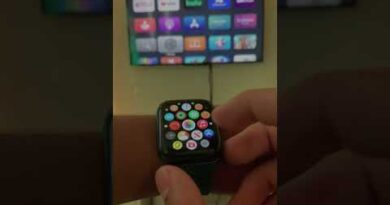
✔ Rearrange apps for faster access
✔ Ping your iPhone when you can’t find it
✔ Strengthen Apple Watch vibrations so you don’t miss alerts
✔ Instantly jump back to the top of long lists
✔ Hear the time spoken aloud
✔ Pause your Activity Rings when you need a rest day
✔ Dictate notes directly from your Apple Watch
If you’re new to the Apple Watch — or you’ve had one for years but feel like you’re only using a fraction of it — these tips will help you get more out of your device in just a few minutes.
Chapters:
0:00 Intro
0:30 Switch between two apps
0:55 Grid View vs List View
1:27 Rearrange Apps
1:53 Ping your iPhone
2:41 Customize vibration strength
3:27 Jump to the top
3:58 Remove apps
4:38 Speak the time out loud
5:42 Pause your Acitivity Rings
6:23 Create a Note on your watch
If you enjoy simple tech tips designed specifically for seniors, consider subscribing so you never miss a new video.