Apple’s New Mac Lineup is a Mess (Here’s What to Buy)
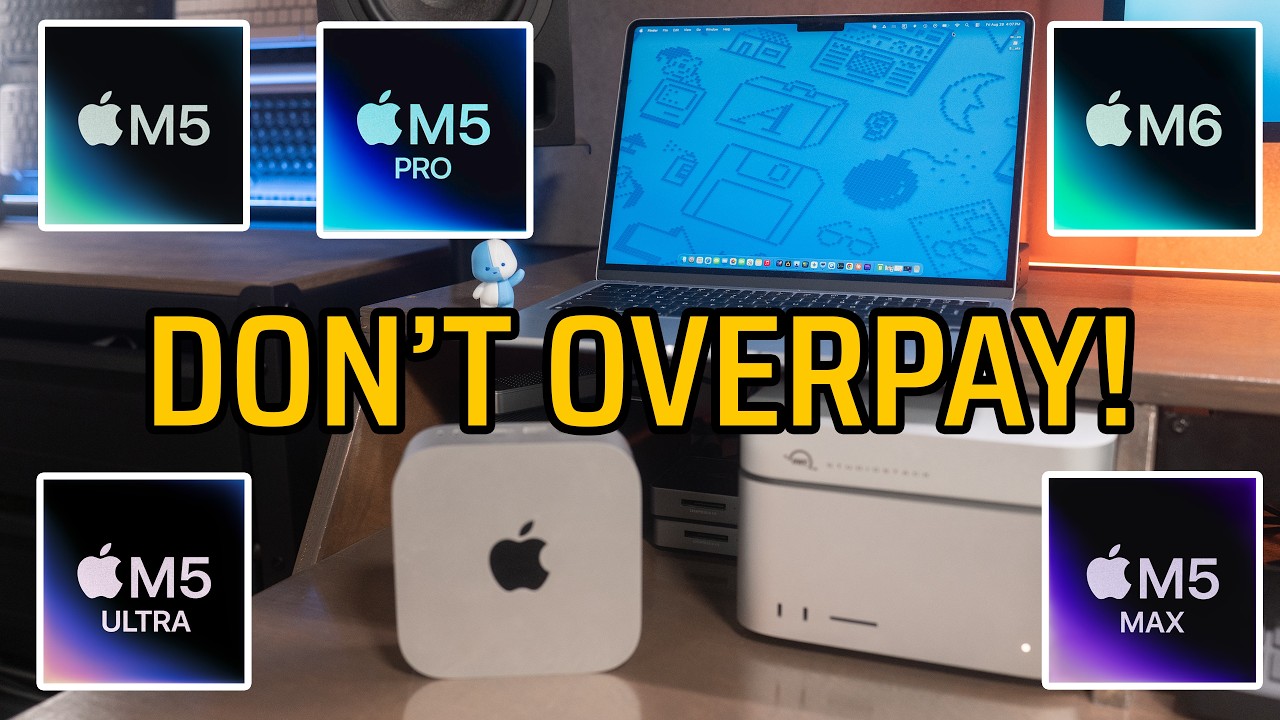
Apple’s desktop lineup makes less sense than it used to. The cheaper Mac mini has a newer chip than the expensive one, and every desktop starts with less storage than the laptops. I walk through the three questions that actually decide which Mac you should buy: how to read the chip names, how much memory you need, and whether the computer lives on a desk or in a bag.
MACS IN THIS VIDEO
M6 Mac mini: https://geni.us/BYRyoG
M5 Pro Mac mini: https://geni.us/buqF8h
M5 Max Mac Studio: https://geni.us/lTEhw
M5 Ultra Mac Studio: https://geni.us/CLRoJR
My favorite Thunderbolt SSD: https://geni.us/Wq6oax
Satechi Thunderbolt dock: https://geni.us/satechicubedock
NEED HELP PICKING A MAC
Free personalized Mac buying advice: https://adamtalks.tech/mac
MY GEAR & OTHER RECOMMENDATIONS
My desk setup: https://adamtalks.tech/my-desk/
My full video making kit: https://adamtalks.tech/gear
Links above are affiliate links. As an Amazon Associate and a B&H affiliate, I earn from qualifying purchases. It costs you nothing extra and it helps support the channel.
Want me to review your product? Send a pitch to adam@adamtalks.tech
Website: https://adamtalks.tech
Everywhere else: @adamtalkstech
00:00 The lineup is confusing this year
00:12 The three questions
00:18 How to read the chip names
00:50 Does your work use every core
01:20 Memory capacity and bandwidth
01:45 How much RAM each Mac starts with
02:11 How much memory you should buy
02:34 Desk or bag
03:15 The desktop lineup and prices
03:34 The laptop lineup and prices
04:08 What most people should get
04:53 Why the M5 Max Studio is the bargain
05:18 Money waster one, 256GB storage
05:46 Money waster two, buying by tier name
06:09 Money waster three, not enough memory
06:39 Free personalized Mac buying advice