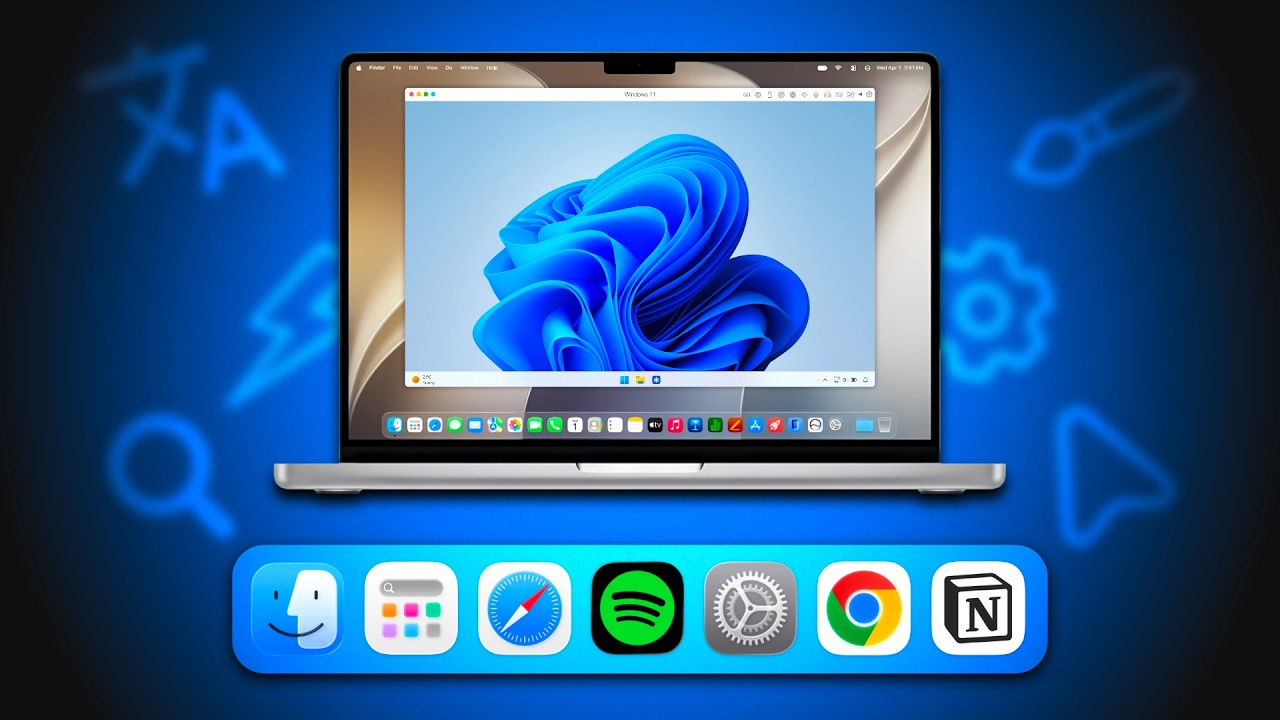
You Can Run Windows on a Mac Now (Properly)
I always assumed running Windows on a Mac was one of those things that’s technically possible but never actually enjoyable slow, buggy, and full of compromises. Then Parallels reached out and suggested I try Windows 11 on my M1 Pro MacBook Pro, so I figured, why not? If it works, I get Windows apps without buying another laptop. If it doesn’t, at least we’ll find out together. Some of it genuinely surprised me. And there’s one thing you should know before you try it.
💻 Get Parallels Desktop:
https://parallels.sjv.io/Z6eNnz
Use code PD45 to save 45%
This is what I used in the video. Windows 11 on Apple Silicon, no dual boot, no restarting. If you need Windows apps but don’t want a second laptop, this is the answer.
👉 All Wallpaper Packs (Bundle):
https://techenthusiast-shop.fourthwall.com/products/all-wallpaper-packs
☕ Buy me a coffee:
https://ko-fi.com/techenthusiast
If you’d like to support the channel, consider a Tech Enthusiast membership by clicking the “Join” button above!
👉 My Setup:
🖱️- Mouse: https://bit.ly/m6-wireless-mouse
⌨️ – Keyboard: https://bit.ly/yogo-75-keyboard
💻 – Laptop: https://bit.ly/4cWXAM5
🎤 – Mic: https://bit.ly/44EENAc
🎛️ – Audio Interface: https://bit.ly/3YYoay2
🦾 – Boom Arm: https://bit.ly/3EjrYk0
✉️ Collaborations:
techenthusiast788@gmail.com
👍 Like & Subscribe for more Windows customization, tools, and clean setups.
Topics:
windows 11 on mac,parallels desktop,run windows on mac,windows on mac,windows 11,install windows 11 on mac,parallels desktop review,macbook windows apps,windows apps on mac,apple,macbook,mac,macos,parallels desktop 26,parallels desktop mac,macbook productivity,best macbook apps,how to run windows on mac,how to install windows on macbook,run windows apps on mac,use windows software on mac,parallels,virtual machine,mac vm,how to install windows on mac
Note: This video contains affiliate links. Using these links supports the channel at no extra cost to you.