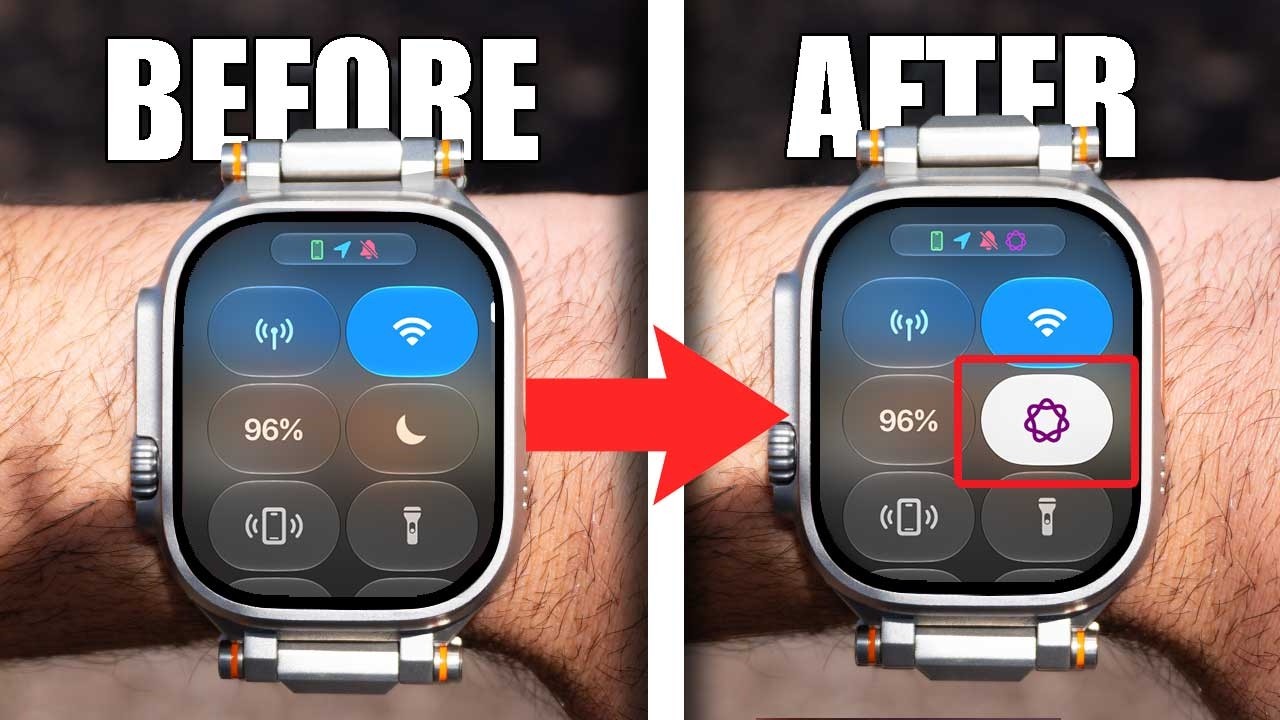
You’re Wasting Your Watch If You’re Not Using This Feature!
Discover 10 useful Apple Watch features, hidden settings, and automated tools you may not be using! I’ll show you how to switch watch faces with a swipe, use Apple Intelligence to reduce interruptions, find AirTags faster, enable Compass Backtrack, automatically identify music, change your ringtone, download offline maps, locate your parked car, use your Apple Watch as a camera viewfinder, and more.
These tips work across many Apple Watch models, including devices running watchOS 26 and watchOS 27, although some features may require newer hardware or software.
If you want to get more out of your Apple Watch, these are some of the best settings and features to enable.
Chapters
00:00 – 10 Apple Watch Features You Need
00:21 – #1 Swipe Between Watch Faces
01:26 – #2 Reduce Interruptions with Apple Intelligence
02:21 – #3 Find AirTags from Control Center
03:20 – #4 Backtrack & Compass Tracking
05:42 – #5 Automatic Music Detection
07:15 – #6 Change Your Apple Watch Ringtone
08:01 – #7 Offline Maps on Apple Watch
09:29 – #8 Automatically Find Your Parked Car
09:59 – #9 Use Apple Watch as a Camera Viewfinder
10:23 – #10 Use Your Apple Watch as a Monitor
10:38 – More Apple Watch Features Coming
Instagram: @eddien7
X: @HOTSHOTN7
Twitch: @hotshot2ss
🔥 Exclusive Viewer Promotions and Discount Codes! 🔥
Try Audible and Get TWO FREE Audiobooks!: https://amzn.to/2QjQJCM
Try Amazon Prime 30-Day FREE TRIAL: https://amzn.to/2Qq2k3i
Amazon FreeTime Unlimited FREE Trial: https://amzn.to/2W1fsBI
🎥 Equipment Used in This Video:
Chair by Secretlab: https://bit.ly/2SEFhSa
Microphone: DJI Mic – https://amzn.to/3RQYoqA
Camera: Sony Alpha A6600 – https://amzn.to/3d0uKQU
Disclaimer: Our links may be affiliated with Amazon and other stores. To find out more, click here: http://bit.ly/2DiiOVI